Frequently Asked Questions
Answers to the most common questions about how the fund works
How does our aid work?
A simple and clear process from request to receiving aid:
- 1
Submit a request
Fill out the form on the website or send a request to help@sup-service.org with a description of your needs and document copies.
- 2
Verification and clarification
We verify your documents, contact you, clarify the request, and help prepare an official request letter to open a project.
- 3
Signing the request
The request is signed online with a digital signature. No paper documents — everything is electronic.
- 4
Opening the project
We estimate costs and open a project. If funds are available — procurement starts immediately. If not — we open a fundraising campaign.
- 5
Procurement and delivery
We select a supplier for the most efficient use of funds. After payment — we organize delivery to your preferred location.
- 6
Receipt and reporting
After receiving the goods, you provide a photo report. We prepare a transfer act for signing. Project complete.
How to sign a document with a digital signature?
You will receive a link to the document for signing. Choose the method that works best for you:
Method 1: Privat SmartID
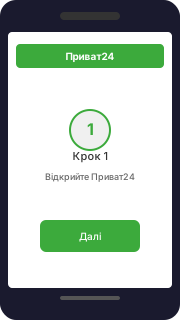
1. Open Privat24
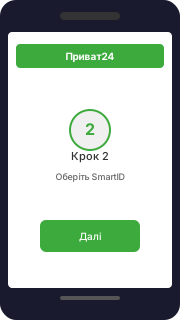
2. Select SmartID
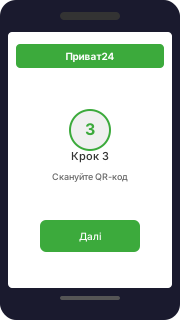
3. Scan QR code
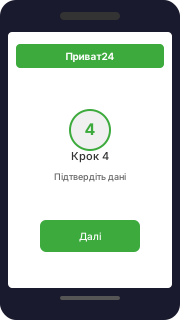
4. Confirm details
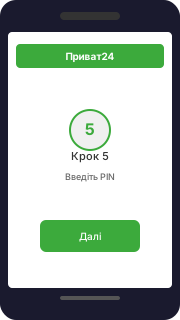
5. Enter PIN
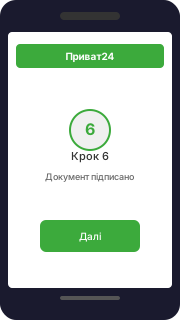
6. Done!
Method 2: Diia.Signature
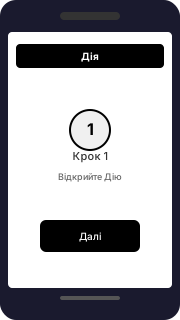
1. Open Diia
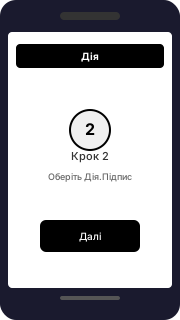
2. Select Diia.Signature
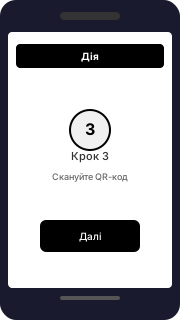
3. Scan QR code
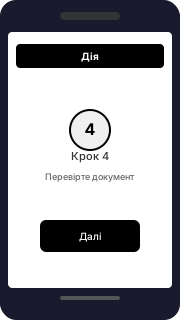
4. Review document
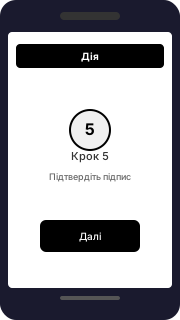
5. Confirm signature
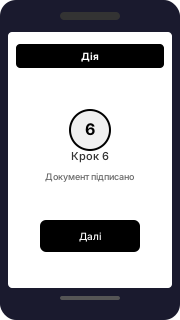
6. Done!
How to submit a photo report?
After receiving goods, send a photo report via the fund's messenger or email. A quality photo report confirms to donors that their funds were used as intended.
Photo report requirements:
- 1 You in the photo. The person who signed the request and receives the goods must be present in the photo.
- 2 All items in one photo. Unbox everything, lay items out side by side — each unit should be visible and easy to count.
- 3 Unpacked and opened. Open packages and cases — it's important to clearly see what was received.
- 4 Neutral background. Choose a background that doesn't reveal your location — a wall, tent, greenery, concrete surface.
- 5 Military uniform (for active service members). If you are an active service member — wearing your uniform is preferred.
- 6 No need to hide your face. We will blur faces ourselves before publication.
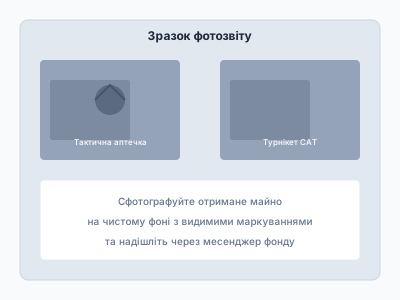
Photo report example:
Your safety is our priority
- Original photo reports are used only for the fund's internal accounting.
- When published, we always blur faces for your safety.
- Publication without blurring — only with your explicit consent.
- Personal data is protected under Ukrainian law and is not shared with third parties.